
Finding your resources in the Web-Based App is simple. Just follow these steps:
Log in to the Web-Based App
Open the app in your browser and sign in using your login details.
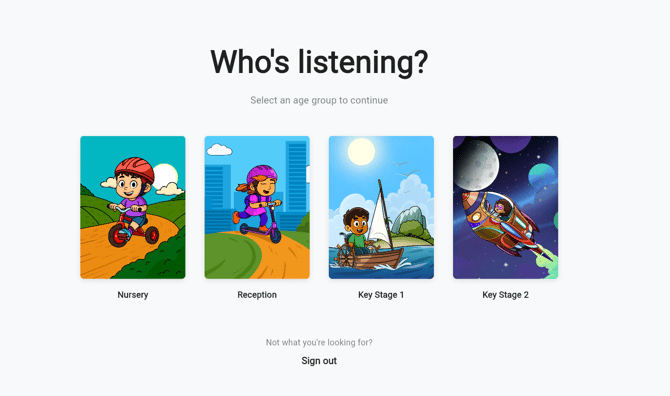
Select Your Phase
Once logged in, choose your school phase, e.g. Nursery, Key Stage 1, etc. This will take you to the appropriate Homepage. From here, you can access the different subjects. Which contain Experiences and follow-on resources.
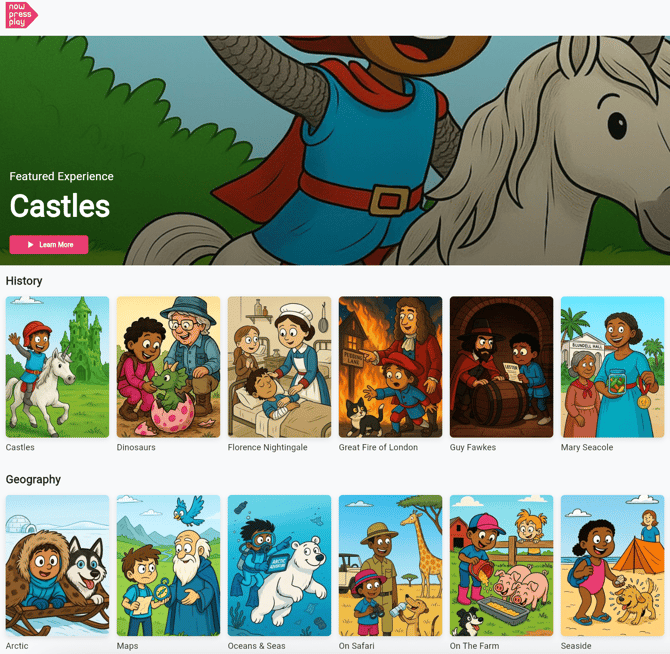
Select an Experience
Click on the Experience you’d like to use. Each Experience includes a range of resources such as Oracy opportunities, Reading Comprehension and our Recap, Discuss & Quiz resource.
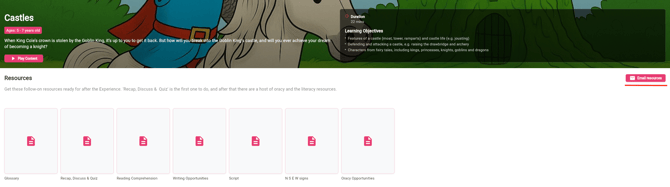
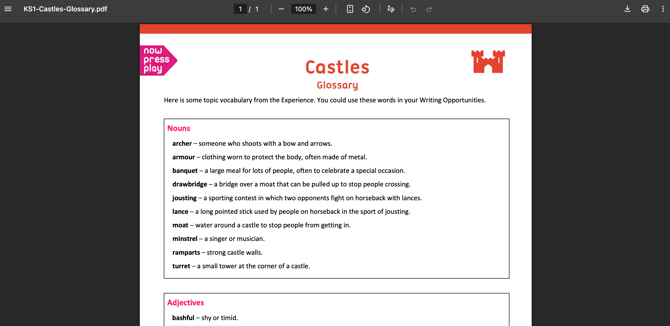
View or Download Resources
You can preview resources directly in your browser, download them for offline use or email them to your inbox.
Have any questions? We’re here to help!
📧 Email us at: support@nowpressplay.co.uk
📞 Call us on: 0203 727 5592