
Running an Experience on the Web-Based App is quick and easy. Follow the steps below to get started:
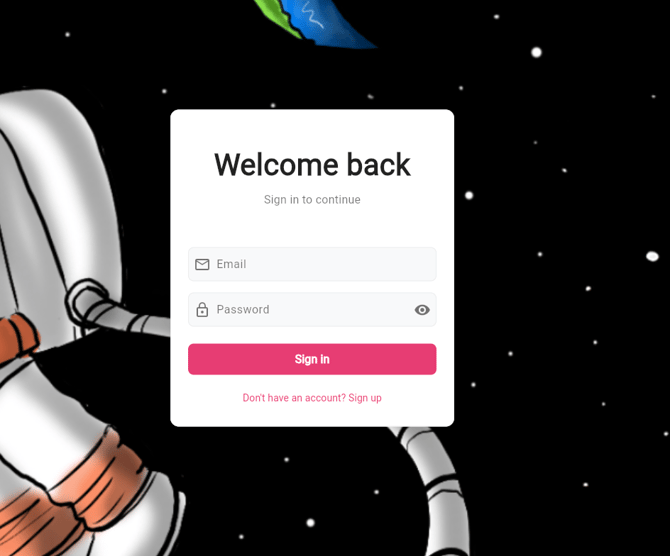
Log in to the Web-Based App
Open the app in your browser and sign in using your login details.
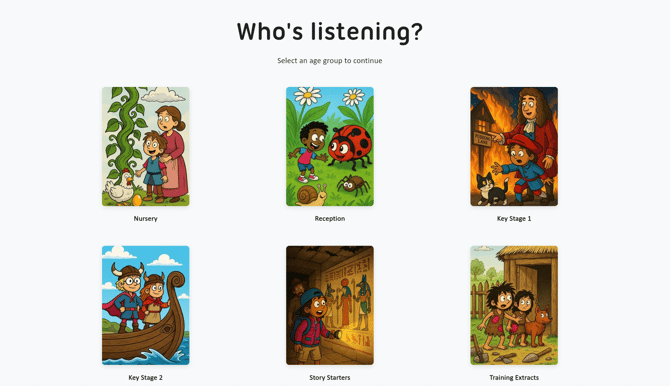
Choose a Phase
From your Homepage, select the phase you want to explore.
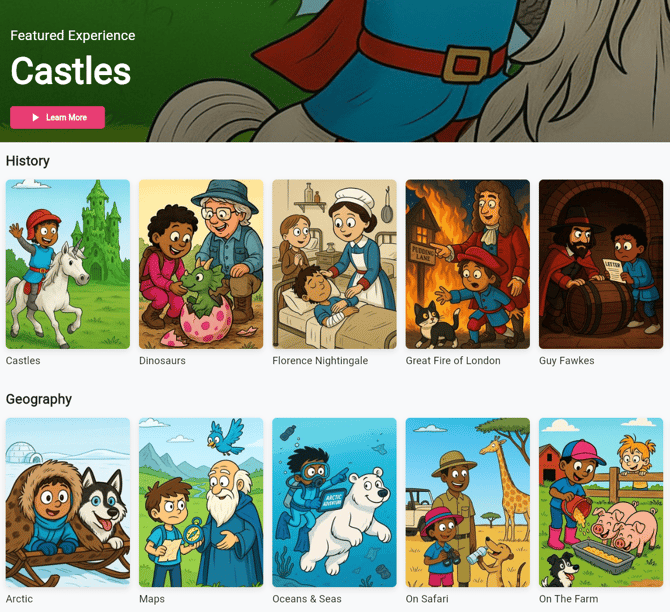
Select an Experience
Click on the Experience you’d like to run.
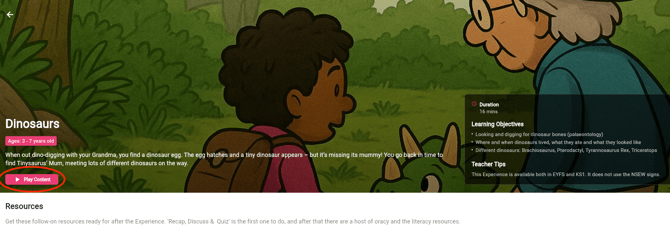
Click ‘Play Content’
Once you’ve opened an Experience, click the ‘Play Content’ button at the top left of the page, just below the Experience title and description. This will first play a short introduction, followed by the full Experience.
Tip: Make sure your transmitter is connected and your headphones are turned on - the sound should play through them automatically.
Control Playback
You can pause, restart, or skip through the Experience directly in your browser.

Tip: The volume can be adjusted using the controls on your headphones.
Experience Details
You can find the Experience description, duration, and learning objectives at the top of the Experiences page, as shown in the image below.

Have any questions? We’re here to help!
📧 Email us at: support@nowpressplay.co.uk
📞 Call us on: 0203 727 5592